Dear ImGui Bundle applications can be effortlessly deployed to the web using Pyodide, enabling Python code to run directly in web browsers. This capability allows developers to share interactive GUI applications without requiring users to install any software.
Note: Pyodide cannot use large native packages (like TensorFlow or PyTorch), and initial loading can be slow.
Pyodide Minimal Example
With Pyodide, web deployment is as easy as copying the HTML template below. The Python code is unchanged from what you’d use for desktop.
How it works:
In HTML, load Pyodide via CDN:
<script src="https://cdn.jsdelivr.net/pyodide/v0.29.3/full/pyodide.js"></script>(Check pyodide latest releases to see the latest version, and update the URL accordingly)
In javaScript, load Pyodide, setup SDL, and load imgui_bundle via micropip:
async function main(){
    // This enables to use right click in the canvas
    document.addEventListener('contextmenu', event => event.preventDefault());

    // Load Pyodide
    let pyodide = await loadPyodide();

    // Setup SDL, cf https://pyodide.org/en/stable/usage/sdl.html
    // 1. Set the canvas for SDL2
    let sdl2Canvas = document.getElementById("canvas");
    pyodide.canvas.setCanvas2D(sdl2Canvas);
    // 2. SDL requires to enable an opt-in flag :
    pyodide._api._skip_unwind_fatal_error = true;

    // 3. Load imgui_bundle via micropip
    await pyodide.loadPackage("micropip");
    const micropip = pyodide.pyimport("micropip");
    // load a newer wheel from a local url
    // await micropip.install('imgui_bundle');  // to use the default wheel included with the pyodide CDN
    await micropip.install('local_wheels/imgui_bundle-1.92.602-cp313-cp313-pyodide_2025_0_wasm32.whl');

    // Run the Python code
    pyodide.runPython(yourCodeHere);
}
main();
You may find recent pyodide wheels for imgui_bundle in two places:
Wheel used in the official demo
Nightly builds: download a wheel directly from GitHub Actions
Pyodide API
In Pyodide (browser environment), run() behaves differently than on desktop: it starts the GUI and returns immediately (fire-and-forget), since browsers cannot block.
Pattern 1: Fire-and-Forget with run() (Recommended)
The simplest pattern - same code as desktop, just works:
from imgui_bundle import imgui, immapp

def gui():
    imgui.text("Hello from Pyodide!")
    if imgui.button("Exit"):
        from imgui_bundle import hello_imgui
        hello_imgui.get_runner_params().app_shall_exit = True

# In Pyodide: starts the GUI and returns immediately
# On desktop: blocks until GUI closes
immapp.run(gui, window_title="My App")
This is perfect when:
You want the same code to work on desktop and in browser
You don’t need to do anything after the GUI closes
You want the simplest possible code
Note: In Pyodide, run() returns immediately. Use run_async() if you need to wait for the GUI to exit.
Pattern 2: Async Control with run_async()
(since v1.92.6)
For workflows that need to wait for the GUI to exit:
import asyncio
from imgui_bundle import imgui, immapp

def gui():
    imgui.text("Advanced async control")

async def main():
    # Wait for GUI to exit before continuing
    await immapp.run_async(gui, window_title="My App")
    print("GUI closed")

asyncio.create_task(main())
Use this when:
You need to know when the GUI exits
You’re integrating with other async code
You want to run sequential GUI sessions
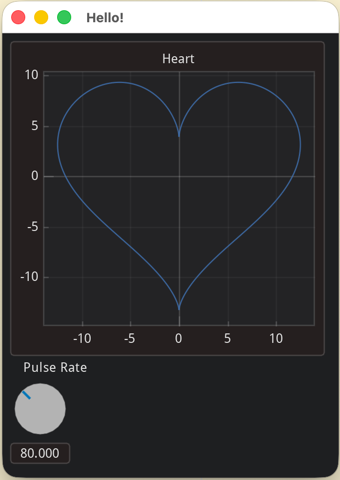
A more advanced example
Online Python playground
With this online playground, you can edit and run imgui apps in the browser, without installing anything.
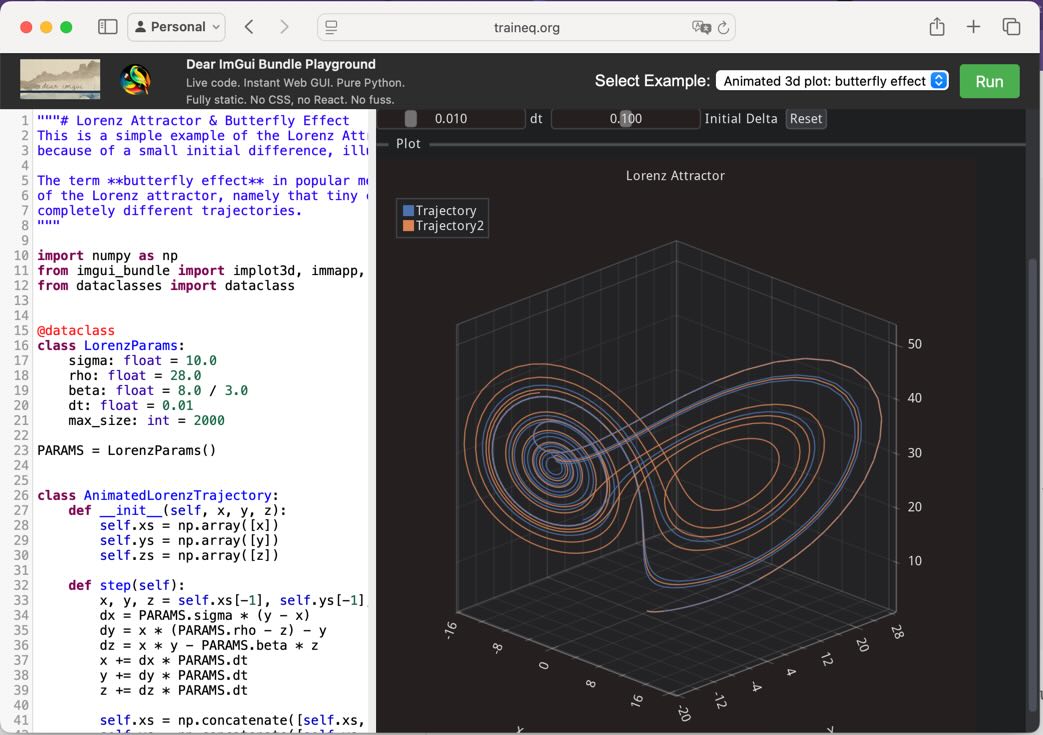
A browser window showing the playground: to the right an interactive demo of the butterfly effect using a 3D plot, and to the left the python code that creates it.