First Steps Tutorial
Creating GUIs from Functions with Minimal Code
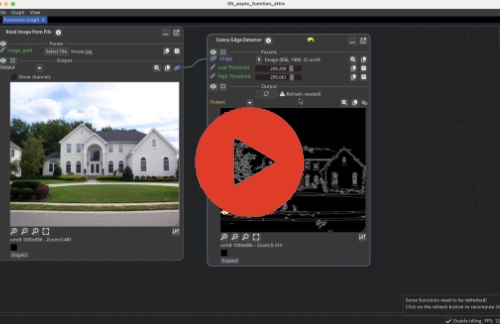
Learn the core concepts of Fiatlight by transforming Python functions into interactive applications. This tutorial demonstrates the fundamental workflow and customization options available.
 |
Key Topics:
Generate GUIs for any Python function
Compose functions
Customize widget behavior using fiat_attributes
Handle long-running computations
Automatic state persistence
Intermediate Tutorial
Exception Handling and Advanced GUI Techniques
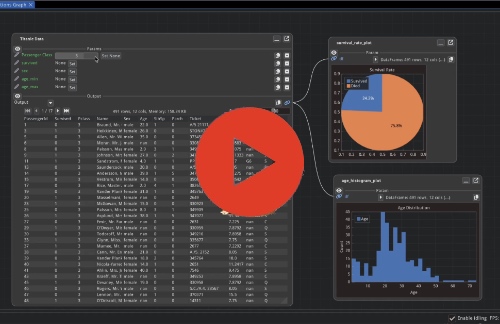
Learn about error handling patterns, parameter validation, and custom GUI components.
 |
Key Topics:
Built-in exception handling with post-mortem debugging capabilities
Parameter validation using custom validators and runtime checks
Custom GUI component creation with Dear ImGui integration
Visual debugging through fiat_tuning to inspect function internals
Complex function graphs with multiple data flows and GUI nodes
GUI for Pydantic Models and Dataclasses
Automatic Form Generation from Data Models
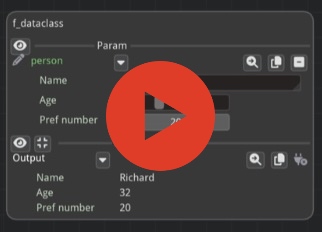
Generate validated forms and configuration interfaces directly from dataclasses and Pydantic models. Covers serialization, validation, and customization patterns.
 |
Key Features:
Automatic GUI generation from existing data model definitions
Real-time validation with user feedback for invalid inputs
Customization through fiat_attributes for widget types and constraints
Built-in serialization and state persistence for Pydantic models
Structured form layouts with logical field grouping
Advanced Tutorial
Building a Sorting Algorithm Visualizer
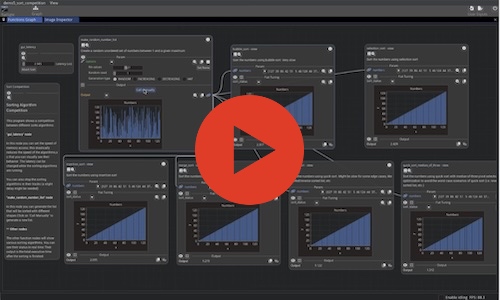
This tutorial walks through the creation of an interactive sorting algorithm visualizer using Fiatlight, in order to explain advanced features.
 |
Key Topics:
Asynchronous function execution with real-time GUI updates
Custom data visualization using ImPlot for performance charts
Advanced type registration and GUI customization
Function composition and workflow management patterns
Standalone application development and deployment
Performance monitoring and comparative analysis tools
Fiatlight Architecture
Understanding the Framework’s Core Components
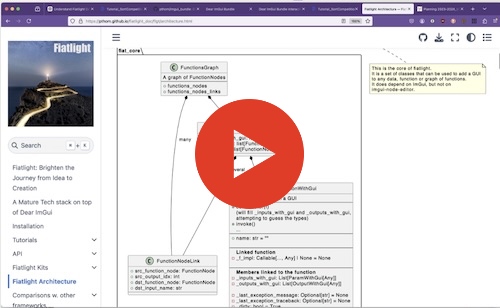
A technical overview of Fiatlight’s architecture and extension points. Useful for developers who want to understand the framework’s internals or extend its capabilities.
 |
Key Topics:
Core components:
AnyDataWithGui,FunctionWithGui,FunctionGraphGUI registry system and type-to-widget mapping mechanisms
Customization callbacks and data presentation patterns
Extension points for supporting additional data types
Full Demo of Fiatlight
A comprehensive Feature Overview:
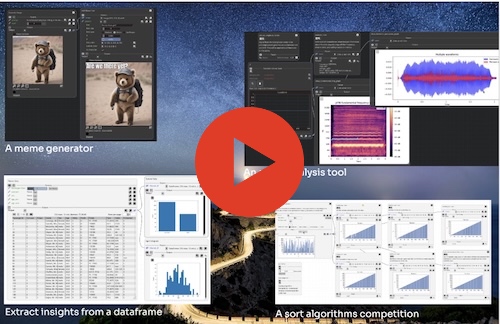
This video showcases how Fiatlight can rapidly generate UIs for various across different application domains, from AI integration to data analysis and multimedia processing. It is a demo, rather than a tutorial.
 |
Highlights:
AI-powered meme generator in just 4 lines of code, using Stable Diffusion
Real-time sorting algorithm visualization: parallel execution and performance comparison
Tailored kits for image processing, data frames, and audio analysis
Fine-tuning and debugging with function state introspection